am also wondering if setting lowest UV, Lux and W/m^2 has any sense ?
they all will be 0 each evening/night … is there any use to keep those ? 
Ask the people that live in the far north or far south where the sun is visible for weeks at a time.
good point, didn’t think about those regions. 
Just Installed again from scratch on a new card.
Everything went perfect. Just an FYI.
Also what’s your plan for “Sol and Luna”?
Just curious.
I am thinking about showing:
Sun position, moon position, sun and moon rise and set times.
Sunrise, sunriseEnd, sunset, sunsetStart, dawn, dusk, nauticalDawn, nauticalDusk, night, nightEnd, goldenHour, goldenHourEnd,
Moon phase, illumination.
You know, just interesting stuff.
It’s that time again. Run updatefiles and the immediately run altertables.
I have added more data to DailyAir and DailySky. The data from these two tables is used to populate the Panel page.
On the Panel page, everything is complete except for converting the rain date from millimeters. I also need to add dropdown selection menus to the Panel tab on the server.
The Panel is looking great! I have tried one of the unit conversion selections in the Panel tab (inhg vs mb) and it works just as expected. My only question is that it appears that a Panel service restart is required after a change in units . . . so . . . is there any possibility of being able to change the units on the fly or is there any possibility of being able to change the units on the main Panel screen (like maybe tap or click the Pressure square (for example) and get a drop-down unit selector right there that takes effect immediately)? Whew . . . that was a pretty long-winded question, I guess.
Also . . . love the ideas about “interesting stuff” for the Sol and Luna square (OK, so it is really more like a rectangle).
Only if the computer is willing to accept change. I have thought about this. It will require the config file to be reloaded and something to trigger that reload. I will give it more thought.


Since so many of us like pretty things, I found some animated weather graphics. I have added these to the Panel page though I am not sure how I will trigger some of them.
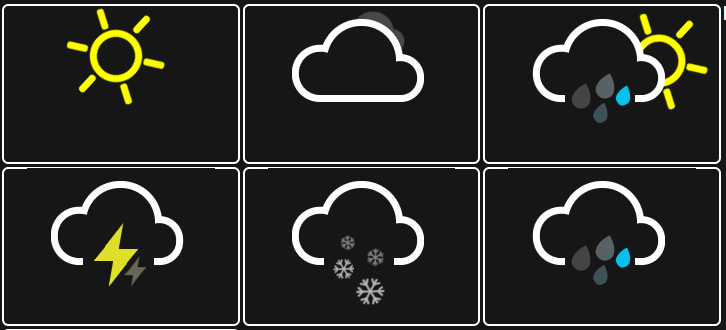
For those using the Panel, I made some big changes. I put the CSS and JavaScript in separate files. I also created a folder named ‘panel’ and moved the page files into the folder.
The folder and new files will download when you run updatefiles.
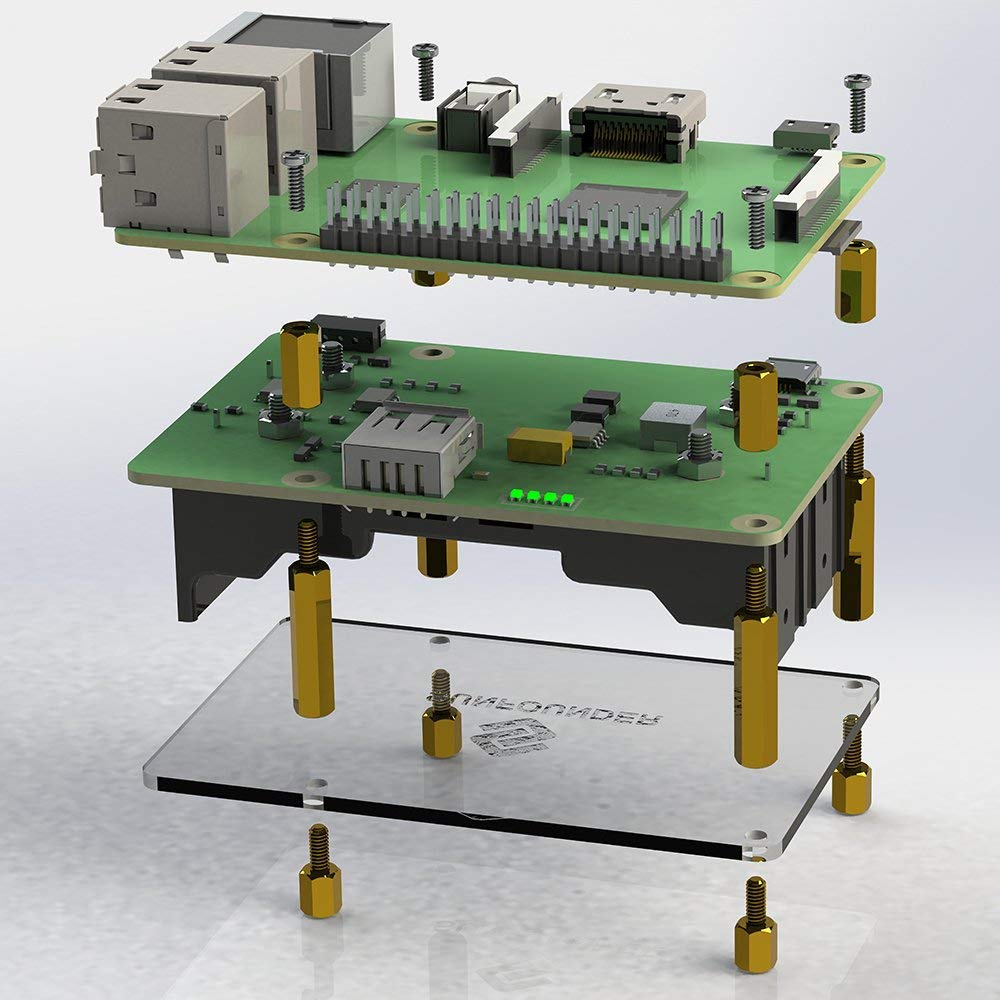
One step closer to having WeatherFlow and full data 100% off the Internet.
The next step is to supply battery power for the RPi and Hub
Well tested all options and to me, the km/h is still showing m/s … can you double check ? It was ok yesterday but it isn’t with today’s files …
you hate metric values that hard ??? 
Look at the Panel configuration. Remember this is still in testing.
I did and toggled between all options in your script and wf options, they all are ok except the km/h, on panel it show km/h as unit but you get m/s values.
I will have a look. What does pannel.json show?
this is what you have in the config file
{
  "unit": {
    "temp": "c",
    "wind": "kph",
    "precip": "mm",
    "pressure": "hpa",
    "distance": "km",
    "direction": "degrees",
    "other": "metric"
  }
}
That all looks good. I’ll recheck the code a push a fix.
A good programmer knows it’s the code and not the user
I blame no one, as you know very well, me as user have not seen things  and think it was a bug lol
In this case something broke with your file changes most probably though … never know I missed something lol
New files have just been uploaded. I found the issue in weatherformulas. I also found unrelated issues to rain conversion in index.js so I fixed them.
More fixes to come and this will be complete soon.;
wind speed in km/h solved