Heads up - Debian 13 (Trixie) will cause issues with the depreciated textwidth calls. I have finished an updated script, but I want to test it fully before publishing. All of the manual settings I tried looked pretty good. Precipitation, Feels Like, and Severe Weather Alerts are all using new methods of centering. If everything looks good in a couple weeks, I’ll get it uploaded and toss a comments out here.
1 Like
New code is up on GitHub 
1 Like
Does anyone sell these units for the non-talented observers.
I don’t sell my work just for liability and stuff like that. However, I would definitely help answer questions along the way as I have done here. DM me and we can chat further as to not ping everyone on the thread. I’d be happy to help you through the process and provide you with an STL for the back of the frame - that STL can be printed at most libraries for a nominal fee if you do not have a 3D printer.
1 Like
Thanks for the quick reply. I don’t think I have the ambition at the moment. Rehabbing a new knee is more than project enough for this old guy and moving from a Win10 to new Win11 computer is more than enough “programming” for me.
After months of sitting on the code, I’ve finally completed the 9.7” display that integrates IQAir AQI data. Going into this project, I expected a similar experience to the 7.5” Waveshare screen. Boy was I wrong. Challenges on this setup not only include the massive ribbon cable at the bottom of the screen, the screen offset, general fragility of the screen - but also that there are no provided Python drivers. Everything that operates this screen is in C. If any of you decide to go the route of an IT9851 driven screen, this is the key: GitHub - fittingIntelligence/IT8951_python_works: Driver for the IT8951 e-paper controller on Raspberry Pi
This legend wrote a python based driver suite using a Cython wrapper. This was hands down a life saver for me, the guy who got over his head quickly 

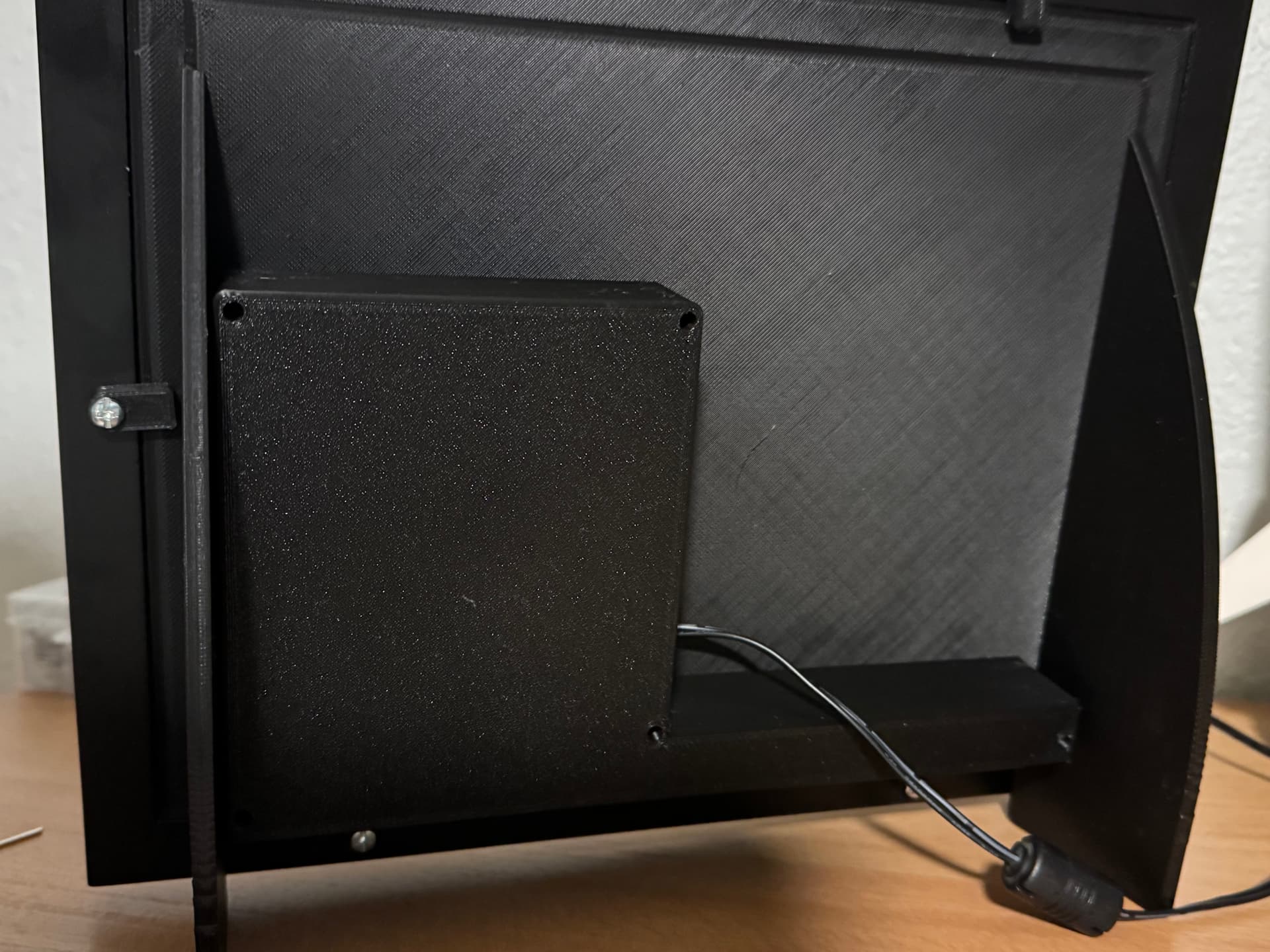
I do have a couple tweaks I plan on doing to the code, but overall I’m extremely pleased with the results and the speed of the screen.
Edit: I suck at spelling 
2 Likes
The extra real estate sure is nice.
1 Like
Can confirm. The refresh difference is insane, it’s no more than a blink of the eye.
Loosely related - I’m still using my forked version of your original nice work with my tweaks, but I thought I’d mention that I’ve run into occasional issues with the GPIO bus being in use which crashes the app. I eventually figured out how to get around this in how I call things from cron, so I thought I’d pass the info along in case you have run into this too…
2-57/5 * * * * cd /home/pi/Tempest-7.5-E-Paper-Display && timeout 60 python3 weather-cron.py >/tmp/program.out 2>&1
My variant called ‘weather-cron.py’ runs like your original one from cron. I’d previously altered mine to try to run as a program that is exec’d then sleeps between refreshes, but I went back to the simple way to do it. Redirecting the output and error output to a file definitely helps a lot when something goes wrong and I need to tweak the code a little. Most frequently it’s the forecast having changing wording that the code doesn’t figure out how to assemble the icon name from. The list of icons also misses a lot of things that the NWS forecast says is coming, so I had to do a little defensive coding around that.
No lockups or failures since I added the ‘timeout 60’ thing before calling the program with python3. Cool.
2 Likes
I have an interesting new logic block I’ve added to the code. I’ve found that on occasion the pi running the screen just completely drops wifi. I can’t SSH to it and the screen deathloops because of it. What I am testing out is an error counter. A variable simply increments upon a connection issue and after a defined number of attempts is hit, the system will reboot and a reboot flag is set. Upon coming back up, if the connection fails an additional number of times and the reboot flag is set, the screen will be reinitialized and the pi shutdown safely. If the screen connects properly after reboot, the flag is reset and it continues on like normal. This will hopefully prevent the deathloops and protect the screen. I’m going to test it out for a while to check for issues on both the 7.5” screen and the 9.7”. Should everything test out, I’ll get the code on GitHub updated.
All pi zero that I’ve ever seen had this issue. I used to add a script to my pi to self-help broken wifi which used to work ages ago (link) but switching to anything other than a zero made the issue go away for me, FWIW.